In this post I am going to take a look at IBM Personal Computer Logo Version 1.00. According to the official product documentation, it was released in August 1983. As with most of the previous programming languages covered in this blog post series, Logo language was licensed to IBM. In this case, it was (mostly) implemented and licensed by non-other, but Logo Computer Systems, Inc. (LCSI). As a side note Apple Logo by LCSI was reimplemented and localized in Bulgarian as Лого ][ by ПГО към МНП и БАН. Some of my fond memories are me spending countless hours in front of Pravetz 82 typing Лого ][ programs. Looking back from the distance of time I cannot stress enough how important is to have an educational programming language, like Logo, in your native language.
Being an educational programming language, Logo emphasizes on things like:
- Exploration (fostering curiosity and self-paced discovery)
- Creation (building self-confidence through child-controlled projects)
- Motivation (capturing interest through purposeful, visual engagement)
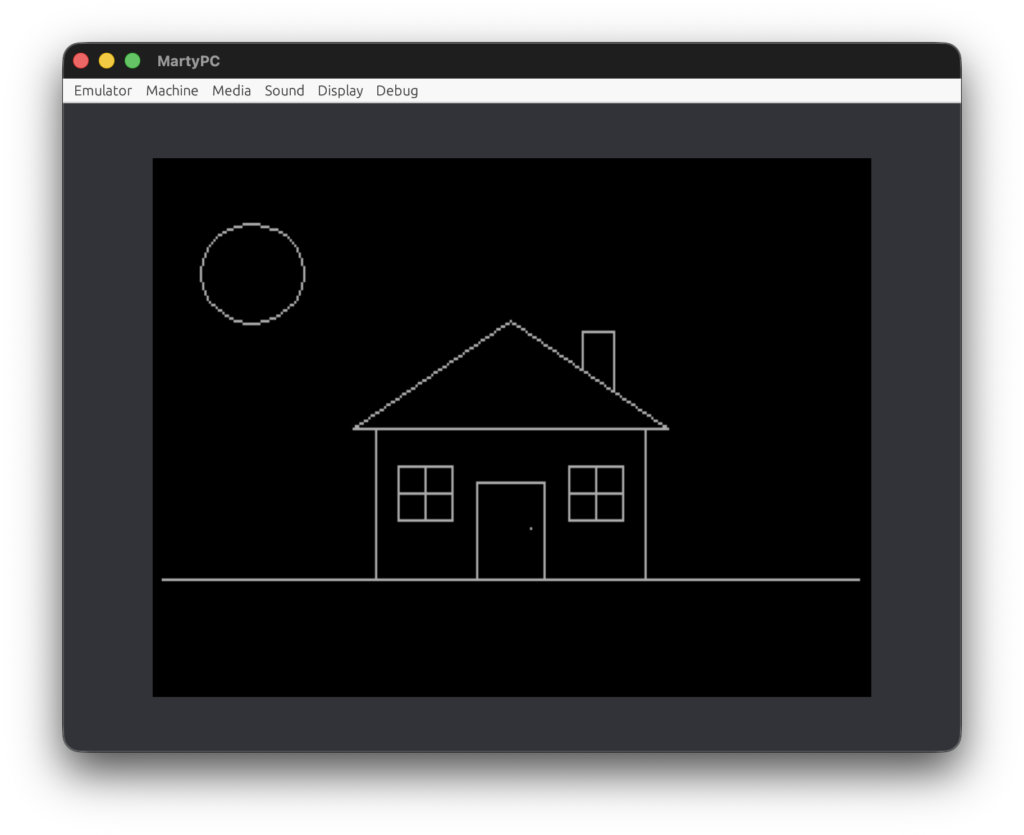
Nevertheless, every time I was reading IBM documentation, I had the feeling that IBM emphasized too much on the “professional” side of the product. They provided great examples on how to handle files; they even provided a full CRUD program for person/telephone database. Just for comparison, when I was 9 probably my first Logo program was something like this
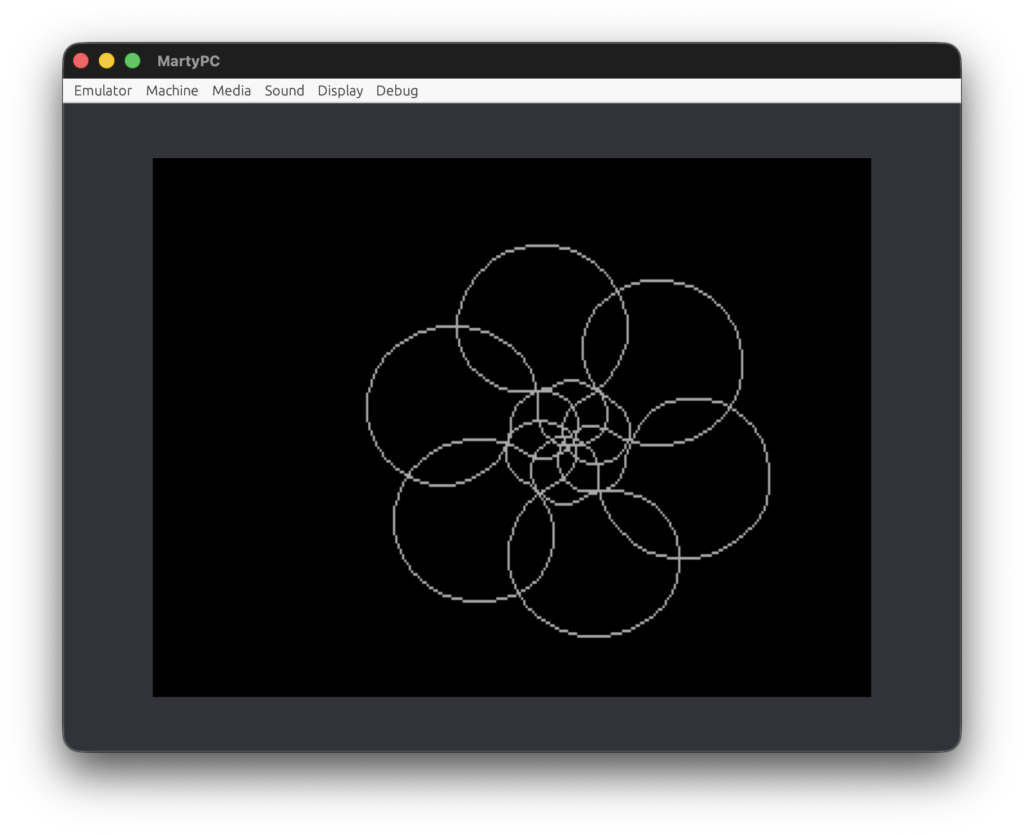
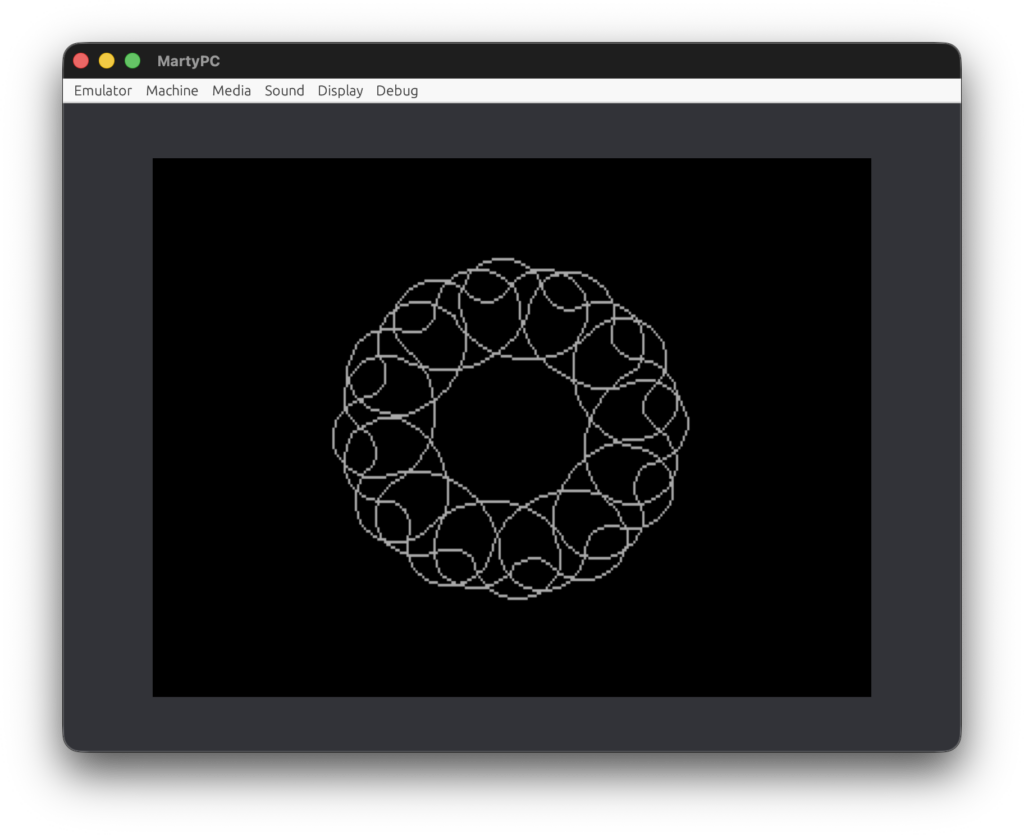
Don’t get me wrong, there is nothing wrong with implementing CRUD programs. However, these kinds of programs are rarely engaging for children. I’ve seen great educational materials on physics, mathematics, language and so on. It could be a simple program exploring geometric symmetry, it could be physics (and math) problems like drawing a cycloid (or maybe prolate trochoid), it could be converting number to words or generating crossword puzzles, it could be implementing shape filling or flooding algorithms. The list is endless. I still remember the joy of implementing simple programs that draw beautiful pictures like these ones:
IBM PC Logo version 1.00 has surprisingly full implementation besides the lack of sprite support. Interestingly, it supports invocation of assembly language subroutines. This could be useful because IBM PC Logo is an interpreted language and it could be very slow. If you have a spare weekend and original IBM PC/XT you can run this simple and naive implementation to render Mandelbrot set.
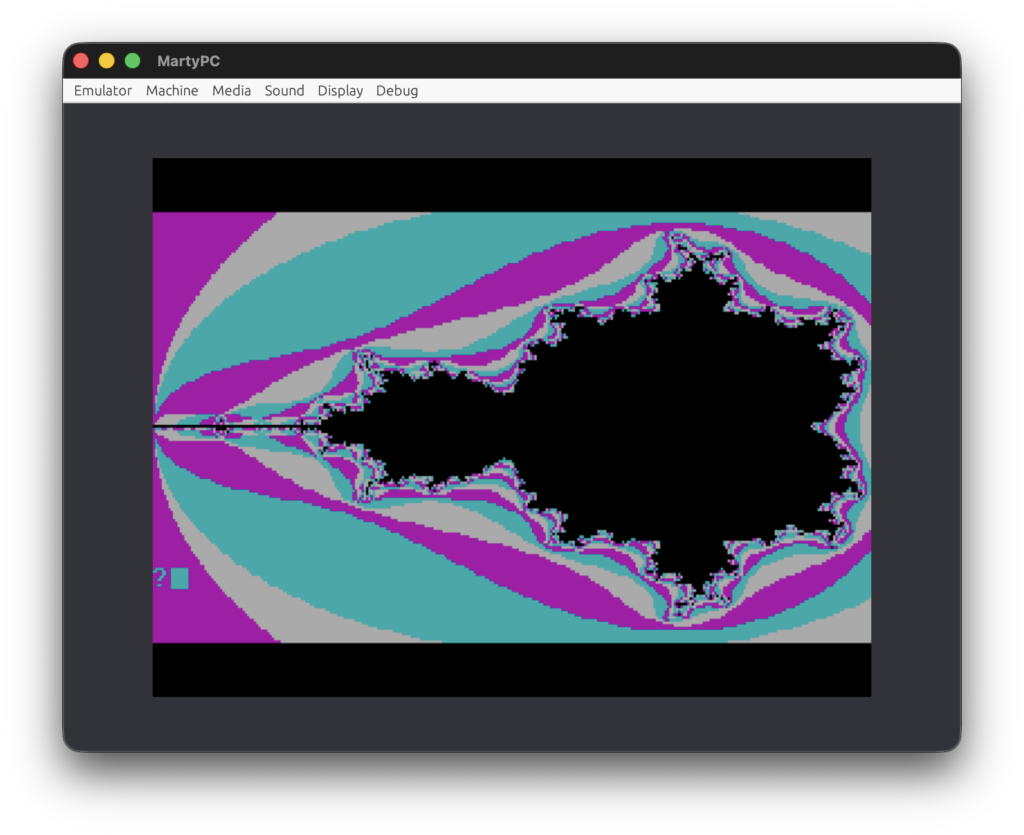
Potentially .CALL command can invoke subroutines written in high-level programming languages like PASCAL or FORTRAN. It is also a gateway to the functionality provided by DOS. Here is a rehash of the old Mandelbrot set example implemented in assembly language that requires just a few seconds to render.
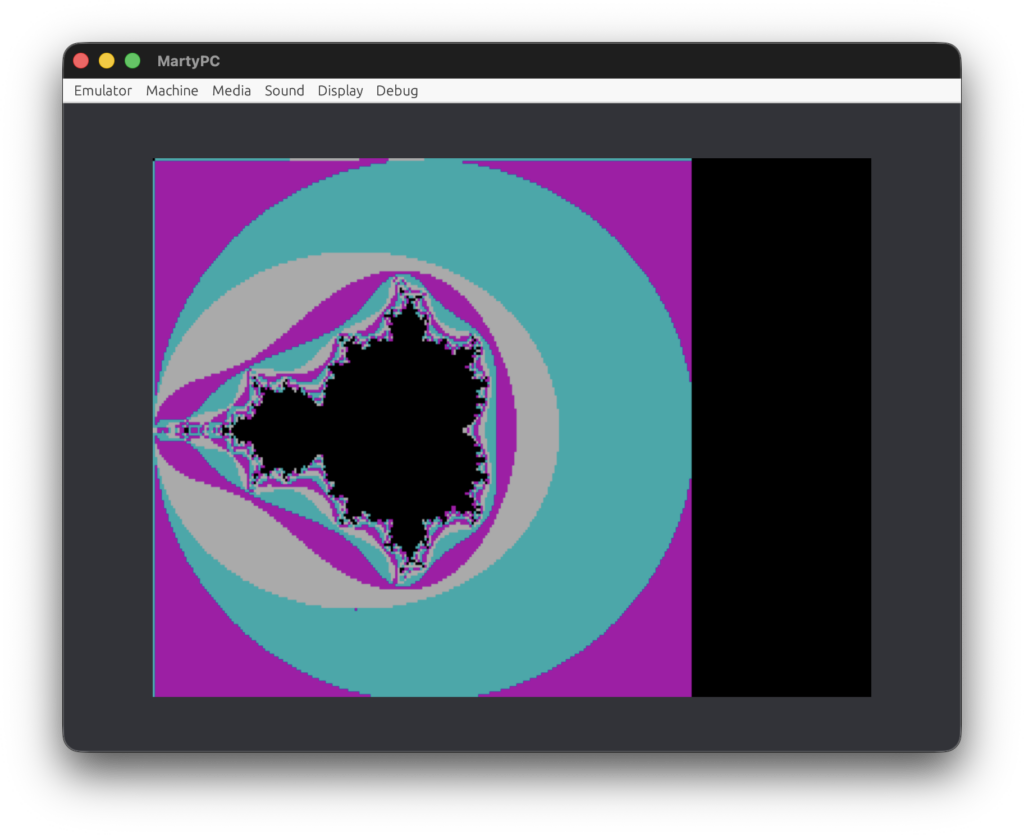
These kinds of dramatic performance differences do not interfere with the main goals of the language. I personally find the rendering of Mandelbrot set much clearer and more concise in Logo than in assembly language. Having an interactive environment that encourages quick prototyping is much preferable than using a compiler. In mater of honesty, one language feature I miss is the ability for built-in comments in source code. However, this could be easily compensated by user-defined procedure.
In closing, I think Logo is an excellent educational programming language. The visual feedback, sprites and sound were revolutionary for that time. Logo proved that children learn best through creation, exploration, and the freedom to make mistakes. Logo’s true legacy is the generation of creative problem solvers it left behind – proving that when you give people the right tools, they can draw their own path forward.