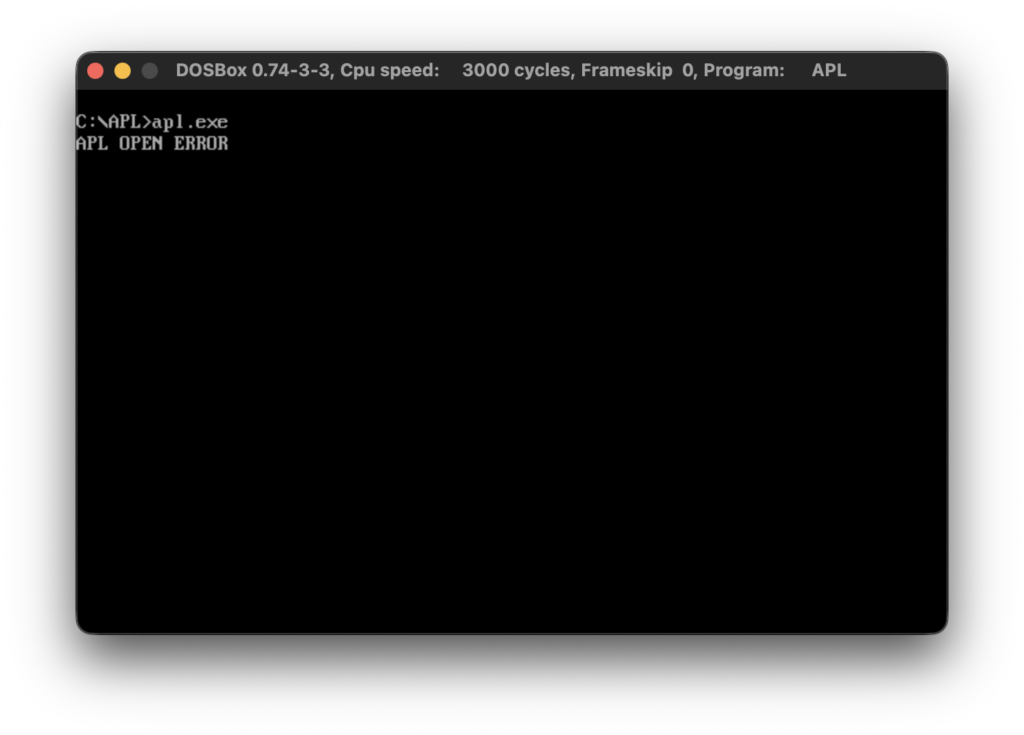
This blog post is going to be really short. After I’ve published my last post about IBM Personal Computer APL version 1.00 a friend of mine asked me for help with running APL in DOSBox. In general I try to avoid working with PC emulators and I really try to avoid working with DOSBox. Especially on macOS. So, I downloaded DOSBox and run APL.EXE just to get the following error.
Fortunately, it turned out that CodeView debugger works like a charm in DOSBox so I was able to find out why APL crashes. In short, APL doesn’t compare correctly the available system memory. The fix is simple. Before you start, make sure that your APL.EXE has the following SHA1 553043de3cec8a05605838d23dd9de7c129bc80e. If this is not case then don’t apply the fix.
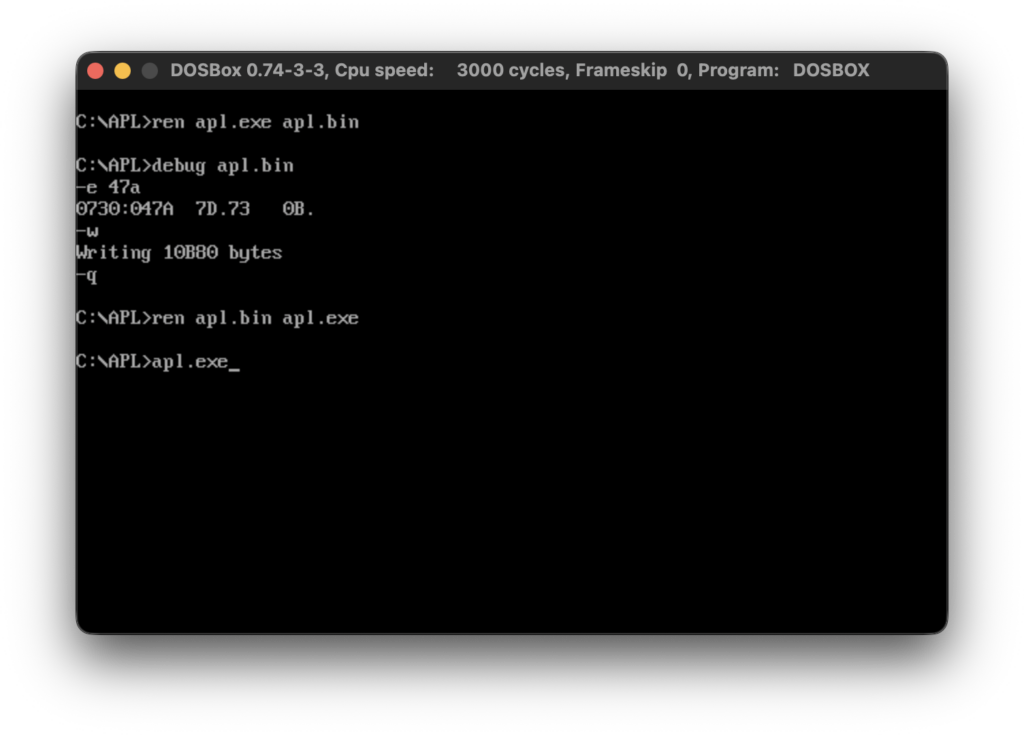
Here is the patch as a text (not sure if DOSBox supports copy/paste).
ren apl.exe apl.bin
debug apl.bin
-e 47A
xxxx:047A     7D. 73
-w
-q
ren apl.bin apl.exe
apl.exe
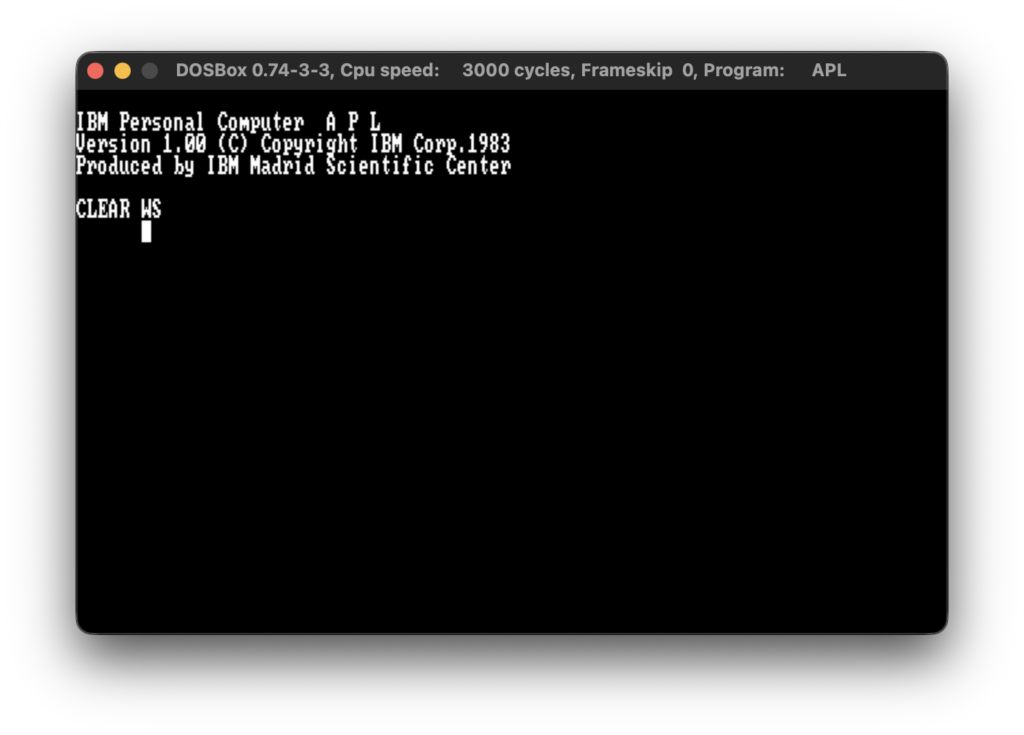
The newly patched APL.EXE now should have the following SHA1 cc0d16dafd2309117d8b758ecc90a0c6f7e7a313. After applying the above patch you should be able run APL.EXE in DOSBox.
Hope this helps.